Archive for category Computers & Technical
Updated for 2015 – Kindle Direct Publishing for Absolute Beginners
Posted by Sally Jenkins in Computers & Technical, Resources, Self-publishing on April 8, 2015
In February 2014 I pulled together everything I’d learnt about publishing a Kindle e-book and produced Kindle Direct Publishing for Absolute Beginners. This concise e-book covers everything a writer needs to know in order to publish their first Kindle e-book and it’s written in simple language. 
But nothing stays the same and over the last twelve months there have been some changes over at Amazon KDP. For example, UK writers who enter their National Insurance number in the Amazon on-line tax interview (not as scary as it sounds!) no longer have 30% tax withheld on their US royalties, pricing for EU Amazon sites is now inclusive of VAT (see my previous blog post for more information) and it’s now possible to allow pre-orders of a new e-book before it is published.
Therefore, I have updated Kindle Direct Publishing for Absolute Beginners to reflect these changes plus a few more bits and pieces, such as the advent of Kindle Unlimited allowing e-books enrolled in KDP Select to be borrowed and earn royalties and the ability for authors to run paid-for ad campaigns on Amazon.com.
So, if you’re thinking about e-publishing a collection of short stories, a ‘how-to’ book or a novel then Kindle Direct Publishing for Absolute Beginners will show you the way – and it currently costs less than a nice coffee (but I’m toying with the idea of putting it up slightly to reflect the extra work that’s gone into it).
And remember, the nice thing about e-publishing is that anything goes! There’s no rules about genres or word counts – as long as the product description and price reflect the content.
Extract from one of several 5* Amazon reviews:
“The field of e-publishing through Amazon’s Kindle Direct Publishing is full of tall grasses and hedges, but Sally’s straightforward advice offered a tidy path for my first foray into becoming an online author! Easy-to-read, this guide is clearly written by a writer who has experience with the format, and can either be read as a standalone account or dipped into as you’re on the Amazon website.”
Amazon Asked Me to Change My Book Title
Posted by Sally Jenkins in Computers & Technical, Self-publishing on February 24, 2015
Regular followers of this blog will know that I published my first Kindle e-book, One Day for Me – 8 Award-Winning Stories, two years ago. It’s a collection of short stories, all of which have either won or been placed in UK writing competitions. 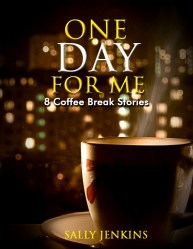
A few weeks back I received an email about this book from Amazon. It told me that the book’s title contained ‘extra descriptive content ‘ which was not allowed. It said that this extra content could be ‘distracting or misleading to our customers’. I was given five days to change the title of the book or have it removed from the Kindle store.
Initially I was confused about was wrong with the title and queried it. Amazon replied that I must remove the words ‘Award-Winning’. My first reaction was to argue the point because I feel justified in using these words since all the stories have done well in competitions. But I decided it would be a David and Goliath contest and David would probably end up with all his books being removed from the Amazon store.
So, I complied and changed the title to One Day for Me – 8 Coffee Break Stories. Then I realised that I didn’t know how to change the cover image to reflect this new title. The cover was all my own work (following some wonderful advice from many of you about what worked and what didn’t) two years ago but since then I’ve forgotten how to get back in and edit it. I decided time was too precious to waste trying to sort it out so I’ve had a new cover created by Helen Measures on http://www.fiverr.com. It’s quite different from the first cover so I’m hoping that it will attract readers who dismissed the book first time around.
I post this as a warning to those of you thinking of publishing on Amazon KDP. Don’t put any spurious claims or words such as ‘free’ or ‘best’ in your title. If you do you may be asked to remove them.
Self-Publishing Tips from Hilary Custance Green
Posted by Sally Jenkins in Authors, Books, Computers & Technical, Promotion, Self-publishing on December 17, 2014
Hilary Custance Green is the author of Border Line, recently published in both paperback and e-book format.
I was lucky enough to read the opening chapters of the novel last year when Hilary was still working on it. The idea behind the book is intriguing:
‘Grace, racked with guilt, is searching online for ways to die and she finds Daniel. Like a pied piper he leads her and nine other people on a trek across Slovenia. For twenty-one days they share stories and secrets, play games, surprise themselves with laughter… and make their final decision.’
I will definitely be downloading Border Line to my Kindle because I want to know what that final decision is.
Hilary self-published the paperback version of Border Line, doing all the work herself and not using CreateSpace. She’s very kindly put together some pointers to help anyone else thinking of doing the same:
Last December (2013), I found myself at a Christmas party explaining that yes, I had written a third novel and also a non-fiction book on POWs in the Far East, and no, neither had been published yet. The truth is I had been looking for an agent for both the novel and the non-fiction book for several years. I had had nibbles, but no bites. I resolved that no further Christmases would pass without a publication.
There are multiple self-publishing routes, mine was total DIY. This is a possible, but not necessarily a wise thing to do. I took the name Threadgold Press in 2008, for my second novel, and floated, rather liked flotsam, through the self-publishing process. Things have changed since then. Today, unless you are writing about food outlets in a three mile radius, or walking on your local hills, you are going to need both print and eBook. The simplified basics for print are:
• Give yourself a name and apply to Nielsen books to buy ISBNs.

Hilary Custance Green
• Allocate one ISBN to your print book and another to your eBook.
• Choose a printer and get estimates. A litho print run (min 300) is expensive up front, but cheaper per copy then Print on Demand (POD).
• Think of a publication date (ideally 9 months plus ahead), subtract the months that are bad for publishing books, add 2 months for things to go wrong (they will), and register with Nielsen book data. You will need blurb, price (when dreaming up the Recommended Retail Price (RRP) don’t forget the cost of postage), BIC code (category of book) etc ready.
• Set the text. I bought a soft version of Adobe InDesign and taught myself.
• Create cover – actually don’t – spend the money on professional design.
• Edit. Once again, professional is best. Failing that, find your most educated friends and bribe them to read with a red pen in their hands. Anything they have to read twice, or makes them gag, yawn or feel uncomfortable, needs your attention – listen and believe.
• Proof read. That means read it yourself and correct, print out a copy, hand it to a friend, make corrections, print again and find a new victim, and so on many times. Again, better still, pay someone.
• Send MS to printers, renegotiate number of pages, correct e-proofs etc
• Join Amazon Advantage – a nightmare and they take 60% discount, so you sell at a loss, but if you don’t join them, Amazon take many weeks to deliver your books.
• Create an Advance Information Sheet (AIS), with all the basic book data.
• Create a Press Release, an up-to-date website, cook up a launch party, find somewhere to sign copies on the publication date.
Finally, you are legally obliged to deposit a copy of any new publication with the British Library within one month of the publication day.
Remember, if you choose this route, writing will stall for some months. Almost every action, depends on information that is not yet ready. You become a designer, proofreader, editor, marketing manager, salesperson, IT consultant, office girl, driver… BUT you end up with a physical copy of your book for minimum outlay.
Hilary – I’m in awe of what you’ve achieved! It sounds like a phenomenal learning curve but what a feeling of achievement when you hold that physical book in your hand and then people start buying it!
Visit Hilary’s website to read about how she’s promoting Border Line.
Twitter for Writers
Posted by Sally Jenkins in Computers & Technical, Events, Promotion on December 2, 2014
At the weekend I attended the annual Writers’ Toolkit in Birmingham, organised by Writing West Midlands. One of the sessions was Making the Internet Work for You with Sathnam Sanghera and Kate Feld.
Many interesting questions were asked about making social media work as a promotion tool for writers. The outcome of the session was that Twitter is an essential part of a writer’s toolkit.
It shouldn’t be used to post family & friends stuff – Facebook is the place for that – and it shouldn’t be used to continually shout ‘buy my books!’ I get the impression it’s purpose is to engage in sensible conversation and to follow those who may be tweeting useful information such as agents, publishers etc.
I think I’ve mentioned previously that I’ve yet to dip my toe into Twitter and perhaps I’ve dragged my feet so much that by the time I string together my first tweet, everyone else will have disappeared off to the next big social media thing.
So, I’m asking all you Tweeters to give me your advice:
- What do you tweet about and how often? Is it OK to repeat yourself on Facebook and Twitter (as long as it’s not a cat video or other ‘silly’) or do you attract the same audience on both platforms?
- How much time do you spend tweeting and/or reading other people’s tweets?
- How do you get followers?
- Is it expected that you will follow everyone who follows you? (I believe there is a ‘mute’ button if you want to switch people off).
- Do you think Twitter is beneficial and if so, in what way?
- Anything else I need to know?
Please feel free to put your Twitter handle in your comment too.
On a different subject and to show that writers come in a multitude of guises, at the Toolkit I came across someone who used to write labels for museum exhibits and someone else who used to write Ceefax pages for the BBC.
Four Lessons in E-Publishing by Emma Jordan
Posted by Sally Jenkins in Computers & Technical, Non-fiction, Self-publishing on September 22, 2014
Emma Jordan got in touch with me recently after using Kindle Direct Publishing for Absolute Beginners to publish her first e-book, 119 Style Boosts from the Size15Stylist. 
Emma runs the fashion/shopping blog Size15Stylist and I asked her to share with us the lessons she learnt during her e-publishing experience.
This is what she told me:
Lesson One – Format
Keep it clean; don’t worry about tables and images, unless they are really necessary. There are books to help if you want to incorporate images and tables (Mark Coker’s Smashwords Style Guide; Steve Scott’s Kindle Publishing Package) but when you are converting your Word document to HTML (web page) to upload to Amazon, a lot of your formatting will be lost. To emphasise your points, use different font headings and use spacing well. Amazon Author Natalie Penna uses spaces beautifully in her YA novels, encouraging readers to read on.
Or, put simply:
An e-book screen is smaller than a paperback.
You don’t want to read too many chunks of texts.
It halts your story.
Spaces keep the reader reading.
Lesson Two – Front cover
I spent precious writing and editing time searching for a cover (and trying to get my head around rights’ issues) and even tried to create a front cover on Publisher software; silly me. Sally rightly points out that Amazon’s Cover Creator offers thousands of options and I created my front cover, for free, in less than a few minutes.
Lesson Three – Triangul-edit
I detest editing, although I realise this is how you shape your words to reach your readers. I am always more motivated to write during the planning stages; coffee, computer, no deadlines. I learned how to reduce the editing process so that it’s manageable and now triangul-edit:
1 – Content (do I have enough words, and are my words explained?)
2 – Grammar (can I say my words better in another way?)
3 – Typos and Format (has spell check picked up a wrong word? Are there problems with spacing?)
My ebooks so far have been around 10,000 words (a novel is around 80k, depending on author) so when I have accumulated around 30 pages of single space text then I start to edit. I head for the nearest coffee shop with my print out and trusty pencil-case.
Lesson Four – Technically, you’ll be okay
I put off self-publishing for years, because I just didn’t know if I was technical enough. But I bumped into Sally’s book, Kindle Direct Publishing for Absolute Beginners and after I read the book a few times, I realised the technical details were within my capabilities. On publishing day (pyjamas and no distractions), Sally’s book sat by my laptop, so I could refer to common sense during the uploading process.
When it comes to converting your Word doc to a web (html) doc, as per Amazon’s requirements, you cannot check formatting enough – after 10 saved web documents on my hard drive, I still discovered a wayward additional space in the final Amazon published version. Note: delete each copy of the web document as you amend, and save under a new name if necessary – you don’t want 10 copies of a web doc lurking near the upload button.
The paramount wisdom I unearthed – You are Your words. Do not rush your self-publishing journey in a hurry to see your name listed as an Amazon author. And, pressing the (self)Publish button is only the start of your journey. You are also your own Marketing department.
Author Biography
Emma Jordan is a freelance writer and creator of the Size15Stylist blog.
When she’s not blogging or writing, or entertaining her toddler-daughter, she can be found undertaking research in the shops.
Proofreading and How to Send Documents to the Kindle
Posted by Sally Jenkins in Computers & Technical, Resources, Self-publishing, Writing on April 24, 2014
Does anyone else use their Kindle for proofreading?
I find this very helpful if I’m writing something longer than just an ordinary short story. It means I don’t have to sit staring at my computer screen for ages whilst I work my way through the whole manuscript and nor do I use large amounts of paper and ink printing the thing off time and time again (although I do use this method when I think I’m almost there).
Proofreading on the Kindle means I can curl up in an armchair with a mug of coffee and pretend I’m reading a ‘proper’ book. I find it lets me judge my writing in a different way and I’m less likely to skip over words.
The disadvantage is that I can’t edit as I go along and I can’t scribble and cross things out either. But depending on what stage you’re at, this can be a good thing because it forces you to read the whole manuscript from beginning to end without wasting time trying to perfect a single sentence. This makes it easier to see the whole story arc and judge whether or not it works.
But in order to be able to proofread in this way, the manuscript needs to be sent from PC to Kindle. There are a couple of ways this can be done. You can either email the document to the Kindle (yes, every Kindle has its own email address!) or plug the Kindle into the PC and ‘drag and drop’ the file across.
There are detailed instructions on how to use both of these methods over on Molly Greene’s Blog so I won’t repeat it all again here. In her post Molly doesn’t specifically mention that Word documents can be sent in this way but I know from experience that they can and there are comments at the end of the post which confirm this. Molly also gives some instructions for the iPad too (I’m not lucky enough to own one of those).
This method of sending stuff to the Kindle can also be used for PDF documents – but I’ve never worked out how to increase the font size of a PDF when it’s on the Kindle and so end up having to use my reading glasses.
And it’s useful to be able to transfer files in this way if you’re ever asked to beta read someone’s work before publication or if you get sent an early review copy.
Please do let me know if you’ve got any proofreading tips or experience of sending stuff to the Kindle.
GeoRiot
Posted by Sally Jenkins in Computers & Technical, Promotion, Resources, Self-publishing on April 17, 2014
GeoRiot is a free tool that may be useful to those of you who are marketing Amazon Kindle e-books.
I’m going to explain it simply because not everyone will be familiar with the basic concepts.
Amazon stores are country specific i.e. those of us living in Britain shop through Amazon.co.uk, those in the US buy through Amazon.com and there are also geographic specific sites for France, India, Germany and many more.
Most e-book marketing is global via the internet, using blog posts, Facebook, newsletters, paid-for adverts etc. Authors using these methods will endeavour to provide readers with a direct link to the Amazon page for the e-book being promoted.
However, unless the author provides the individual link for each geographical Amazon site, there will be users somewhere in the world who don’t reach their ‘home’ Amazon site and, if they want to buy the book, will have to navigate there by themselves. Many of them won’t bother. When the link provided doesn’t take them where they want to go, they’ll click on to something else instead.
But it looks clumsy and messy to list around a dozen Amazon links every time you mention your book on the web.
GeoRiot creates a single web address for an Amazon product. This address will always take the user directly to his ‘home’ Amazon site. If the link is clicked in the UK then it will route the user to Amazon.co.uk, if the link is clicked in the US then it will route the user to Amazon.com and so on.
Here’s an example. When advertising Kindle Direct Publishing for Absolute Beginners I could list each geographical link:
For buyers in the UK: http://www.amazon.co.uk/Kindle-Direct-Publishing-Absolute-Beginners-ebook/dp/B00IJFG1W4/
For buyers in the US: http://www.amazon.com/Kindle-Direct-Publishing-Absolute-Beginners-ebook/dp/B00IJFG1W4/
For buyers in Australia: http://www.amazon.com.au/Kindle-Direct-Publishing-Absolute-Beginners-ebook/dp/B00IJFG1W4/
etc. etc.
Or I can use just one global link provided by GeoRiot: http://georiot.co/40oj
I think it looks much more professional to provide a single link.
GeoRiot provide this service for free unless you are an Amazon affiliate and then they take a small percentage of your affiliate earnings. For more details on how this payment system works see the GeoRiot website and Nick Daws’ comprehensive blog post where he goes into this and the mechanics of GeoRiot in much more detail than I have.
That’s it – I hope I haven’t blinded any of you with science!
E-Publishing with Kobo Writing Life
Posted by Sally Jenkins in Computers & Technical on April 4, 2014
This week I’ve done something I’ve been meaning to do for months – I’ve finally branched out to another e-book platform. 
Old Friends – 13 Coffee Break Stories is now available on Kobo as well as Amazon Kindle.
This collection is my Kindle ‘best seller’ and hasn’t been enrolled in KDP Select for a long time meaning I’m free to publish it elsewhere.
So, how did I find the Kobo publishing process?
The hardest part was creating a Kobo login ID to allow me to start the process.
If the email address entered into Kobo is registered to a Facebook account then Kobo requires you to login with your Facebook credentials. I didn’t want to do this and went round in circles until I discovered that the only way to keep my Kobo and Facebook accounts separate was to login to Kobo initially with my Facebook account and then, within the Kobo ‘My Account’ page, un-link Facebook from my Kobo account.
Complicated or what?!
Kobo accepts manuscripts in a variety of formats, including Microsoft Word .doc and .docx, and then converts them to .epub. Initially I uploaded my manuscript as .docx but when I checked the finished product using the Kobo previewer (which isn’t as good as the Kindle one) the line spacing seemed very wide.
So, I downloaded the free conversion software Calibre and converted my .docx file to e.pub. Then I uploaded the .epub file to Kobo and the result looked much better.
This all sounds very complicated and technical – but it’s not! There is a guide available on the Kobo website full of tips about how to format your Word document to ensure the best results. I used the same manuscript that I’d formatted for Kindle according to the instructions in Mark Coker’s Smashwords Style Guide and, once I’d discovered Calibre, had no further problems.
Having said that, if anyone downloads the Kobo version and finds the formatting isn’t up to scratch – please let me know!
Next, I have to work out how everything works on the Kobo site …
eBookSoda and the AsparaWriting Festival
Posted by Sally Jenkins in Books, Competitions, Computers & Technical, Events, Promotion, Self-publishing, Short Story on March 20, 2014
This week I’ve got a couple of writing-related things that might interest you.
Firstly, eBookSoda is an e-book promotion newsletter sent daily, and free of charge, to readers’ inboxes. Until March 26th 2014 it is FREE to advertise your e-book in the newsletter. After this date there will be a $5 cost to have an e-book mentioned in the newsletter.
So why not get your skates on and click here to get a bit of free publicity for your book? The book doesn’t have to be on a discounted or free special offer (although many of them are) – it must just be $4.99 or less and have at least eight reviews with an average star rating of 3.5.
Alternatively, if you simply want to hear about the e-books available (many of which are on special offer) sign up for the eBookSoda free newsletter.
Secondly, crime novelist Judith Cutler has brought the AsparaWriting Festival to my attention. It is specifically designed for aspiring writers. During the event you can learn from the professionals about writing crime, history, comic or straight fiction and poetry. There are events scheduled from 23rd April 2014 to 21st June 2014 in the Evesham area.
There’s also a short story competition with a £100 first prize and a trophy. The story should be no more than 6,000 words (3,000 for junior entries), written in English, set in the Vale of Evesham or the Cotswolds, should fit into the crime genre and include asparagus. But you’ll have to start writing now – the closing date is March 29th 2014.
Happy Writing!
Kindle Direct Publishing for Absolute Beginners
Posted by Sally Jenkins in Computers & Technical, Non-fiction, Promotion, Resources, Self-publishing, Successes on February 28, 2014
As most of you will be aware by now, I am very interested in e-publishing and have been building my own 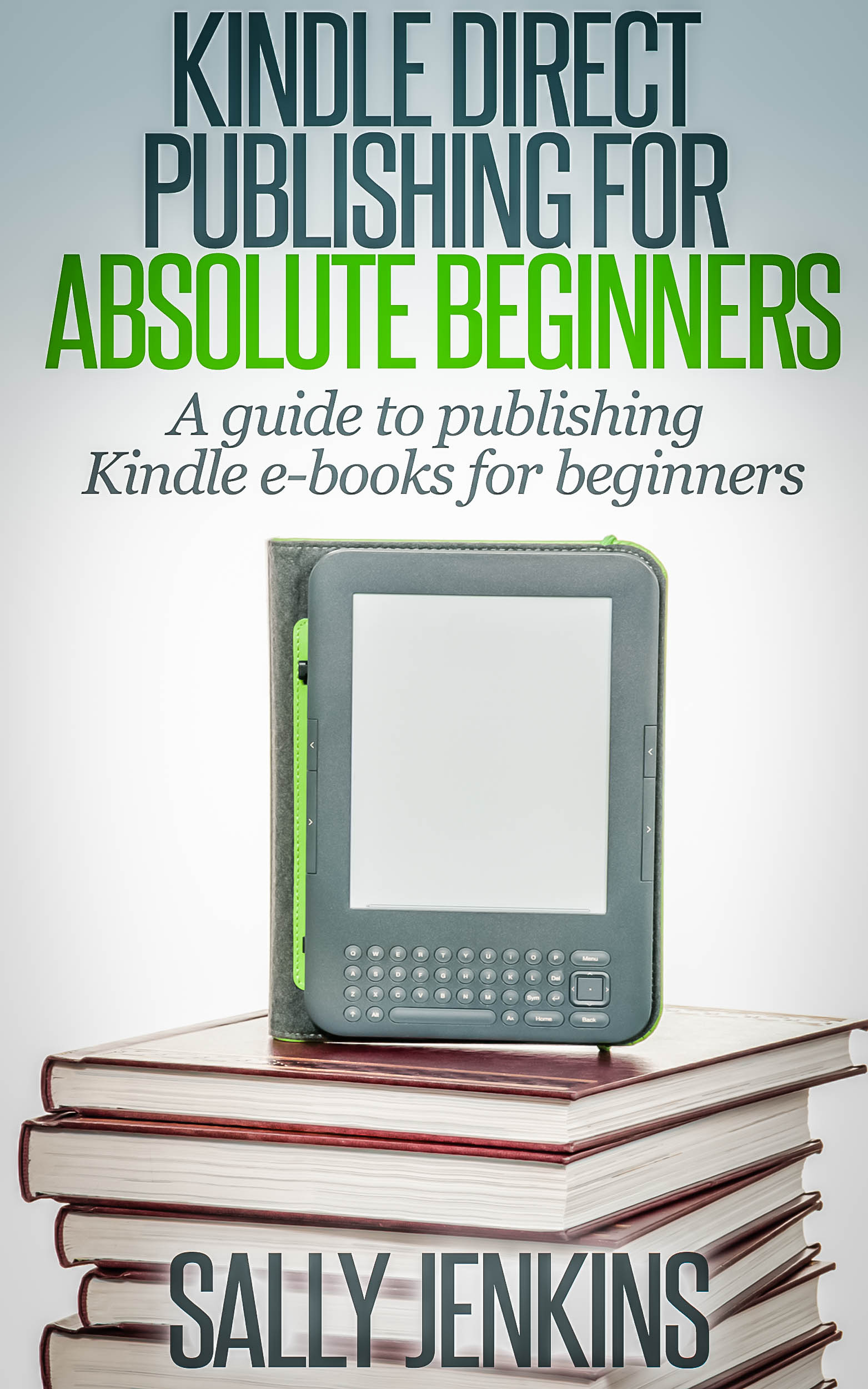 e-publishing empire(!) for the last twelve months. I’ve picked up a lot of knowledge along the way and have also had many people say to me that they wished they were ‘technical’ enough to do the same.
A couple of months ago Helen Yendall asked if I would talk about e-books and e-publishing to the writing class that she tutors at Moreton-in-Marsh. Whilst sorting out what I might say, quaking in my boots and being glad that I made the effort to join Sutton Coldfield Speakers’ Club, I realised that I had enough material to write a short e-book for beginners who want to publish their first e-book via Amazon KDP.
And so Kindle Direct Publishing for Absolute Beginners was born.
It starts with the definition of an e-book and moves on through topics such as choosing what to write (if you don’t have a manuscript ‘ready to go’), how to get your book cover, basic marketing and much much more.
Once I’d finished, I followed my own advice and found a beta reader who matched my target audience i.e. a writer who is contemplating e-publishing for the first time. Peter Hinchliffe is an ex-journalist and news editor who has also completed a novel. He gave my manuscript a big thumbs up and said in his review, “This book shares the skills needed in a detailed, easy-to-follow way. It could be the most rewarding book you ever buy.”
The launch of Kindle Direct Publishing for Absolute Beginners took place yesterday, following my talk to the lovely writers of Moreton-in-Marsh. There was Bucks Fizz, chocolate cake, coffee and one of the writers celebrated her new grandchild by providing cream cakes for the class – so no one went home hungry! It was really nice to be able to involve other people in the launch instead of doing everything virtually.
So, if you’ve ever fancied seeing your work for sale on Amazon, go and take a look at Kindle Direct Publishing for Absolute Beginners – it might help you on your way!

-
You are currently browsing the archives for the Computers & Technical category.
 Sally Jenkins